 Forma
FormaHome workouts, planned and counted.
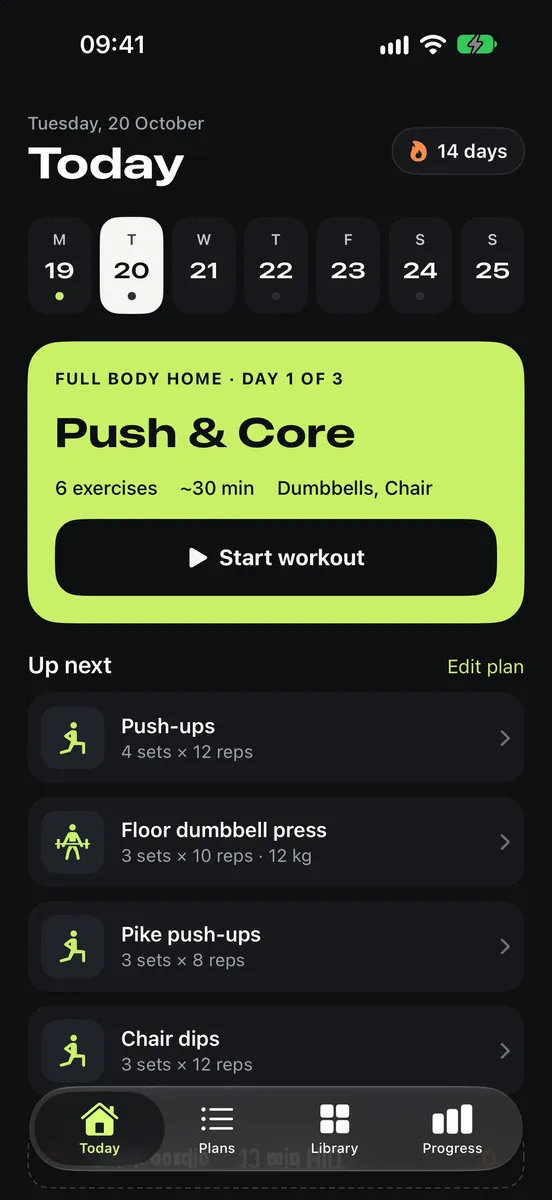
Forma is a simple workout app for training at home with little or no equipment. Build a plan with your training days, follow it from the Today screen, and let Forma count your reps, sets and rest.
free to downloadno accountworks offlineiOS 18+iPhone
features
What Forma does
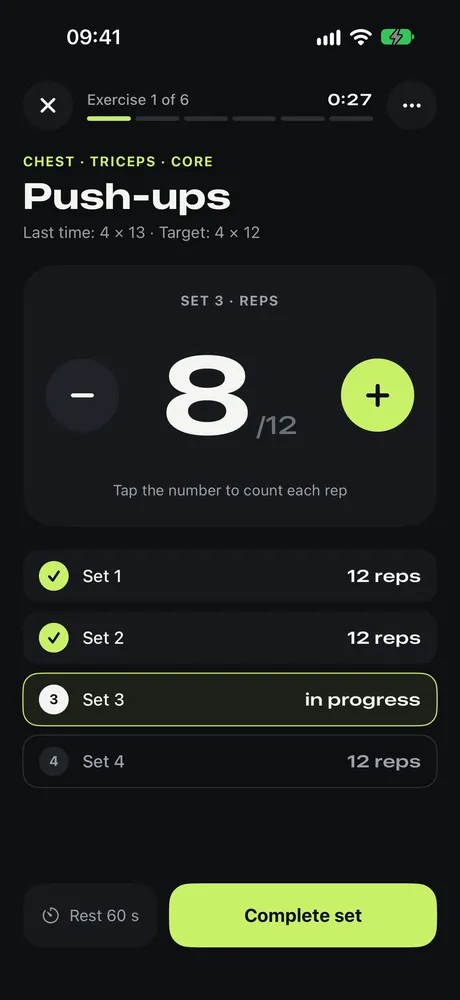
- 01Rep and set counterTap to count each rep, then complete the set. If you don't count, Forma logs your target reps.
- 02Your own plansPick training days, add sessions like “Day 1” and “Day 2”, and set sets, reps, weight, time and rest per exercise.
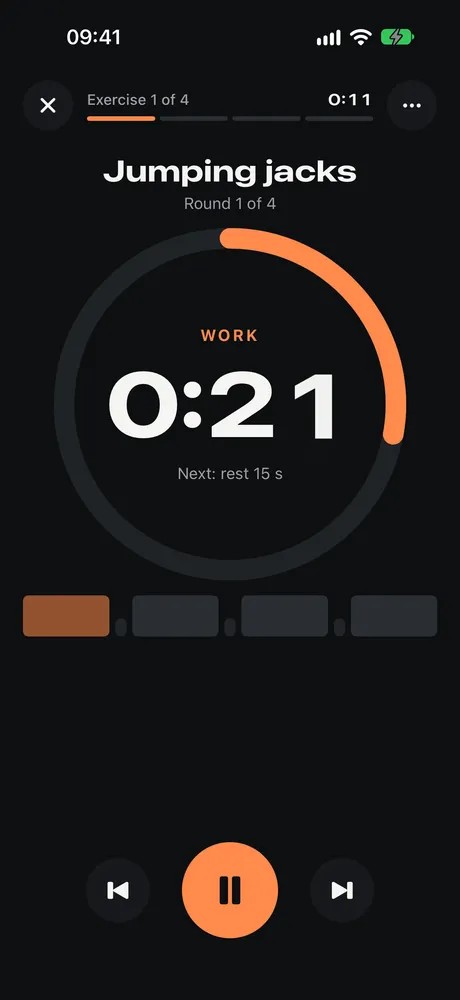
- 03Cardio and intervalsWork and rest phases with a countdown ring, a rounds overview, pause and skip.
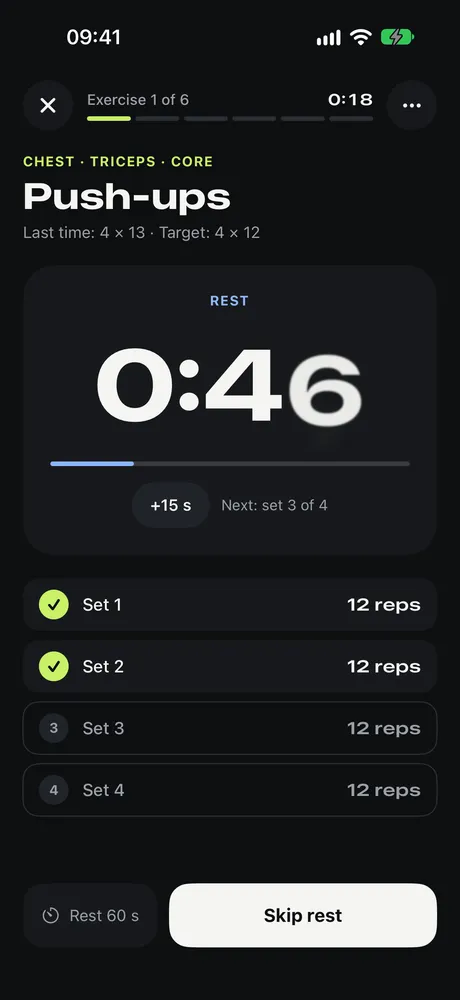
- 04Automatic rest timerStarts after each set, with +15 s and skip.
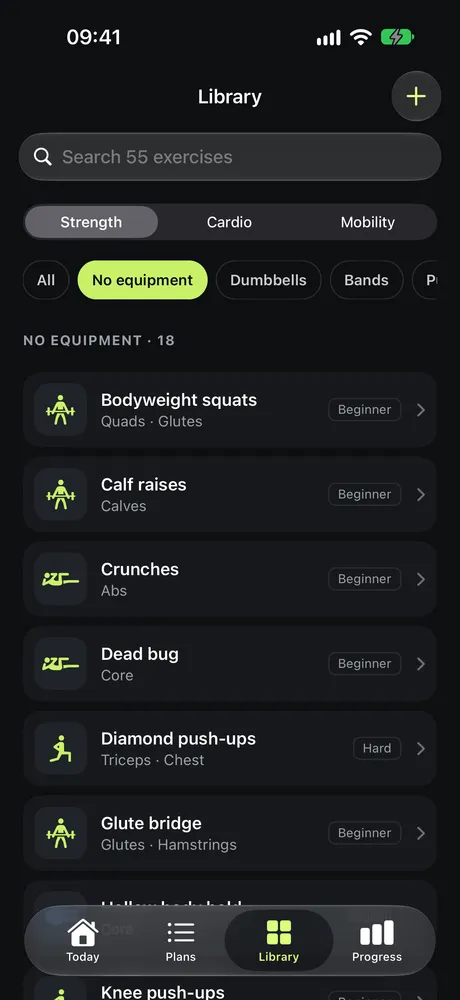
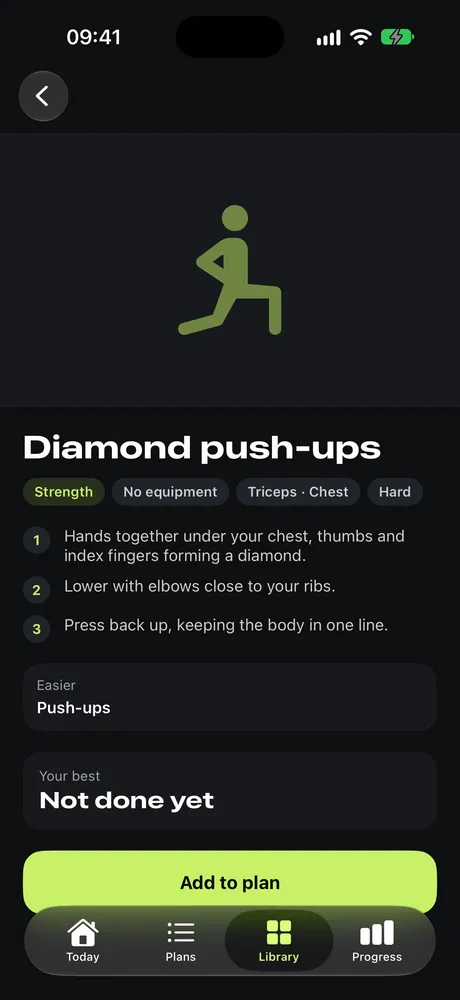
- 0555 home exercisesStrength, cardio and mobility, filtered by equipment, each with steps and easier or harder variations.
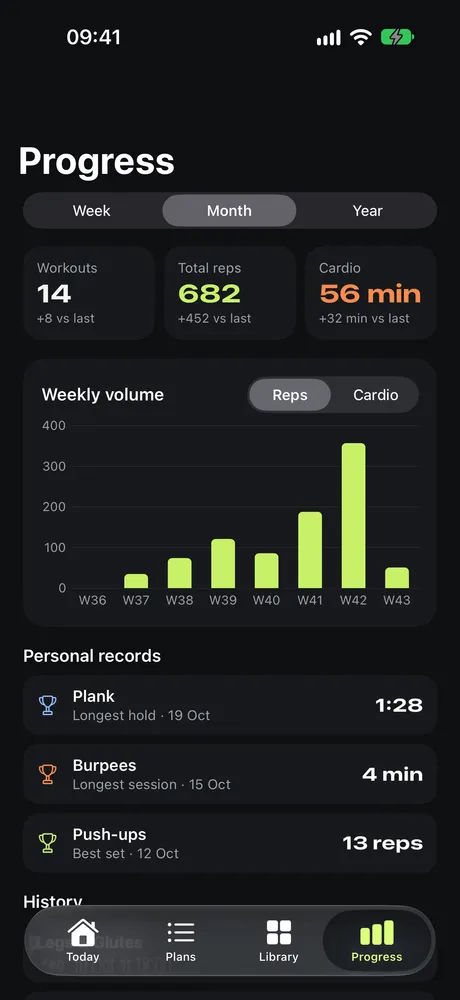
- 06Progress and recordsWeekly charts, monthly totals and personal bests for reps, holds and cardio time.
- 07Custom exercisesAdd your own exercises with the tracking type that fits.
- 08Private by designNo account and no analytics. Your data stays on your iPhone.
screenshots
A look inside
who it's for
Made for training at home
living room
A mat and two dumbbells
Bodyweight moves plus basic gear: bands, a pull-up bar, a chair, a jump rope.
routine
Three or four sessions a week
A fixed weekly plan, so you don't have to think about what comes next.
counting
Lost count again?
Tap through your reps. Forma keeps track of your sets and starts the rest timer.
cardio
Strength plus HIIT
Mix sets with timed intervals, or start the 12-minute Quick HIIT from Today.
privacy
No account, no sharing
See your progress without signing up or sending data anywhere.
just starting
No plan yet?
Start with the built-in full-body plan: push & core, legs & glutes, pull & cardio.
privacy
Your workouts stay on your iPhone.
No account, no analytics, nothing sent anywhere. Deleting the app deletes your data.